 MAPI
MAPIDevices & Electronics
Practical guides for setting up, using, maintaining, and troubleshooting phones, computers, accessories, home electronics, and other everyday devices.
42 guides
Why Does My Monitor Look Blurry?
Blurry monitor output is often a resolution or scaling problem, especially when the display is not using its recommended native resolution. Drivers, cables, calibration, and monitor hardware can also affect clarity.
Why Does My Monitor Keep Flickering?
A flickering monitor can be caused by the computer, cable, graphics settings, driver, an incompatible application, or the monitor itself. The fastest diagnosis is to determine whether the flicker is present in the monitor's own self-test and whether Windows elements such as Task Manager flicker too.
Can Heat Damage a Laptop Battery?
Yes. High temperature can accelerate lithium-ion battery aging and permanently reduce how much charge the battery can hold.
Should You Leave Your Laptop Plugged In All the Time?
Leaving a modern laptop plugged in is usually acceptable, especially when Smart Charging or a charge limit is active. The larger battery-health concern is spending long periods fully charged while hot.
Why Does My Laptop Stop Charging at 80%?
Many modern laptops intentionally stop or delay charging around 80% to reduce time spent at a high state of charge. A configured charge limit, Smart Charging, Optimized Battery Charging, or high battery temperature can all cause this behavior.
Why Is My Laptop Charging So Slowly?
A laptop often charges slowly when the power adapter or cable cannot deliver the wattage the computer expects, the charger is connected to the wrong port, or the laptop is using much of the incoming power while you work.
Why Does My Laptop Battery Drain So Fast?
Fast laptop battery drain can come from high power use, background activity, a bright display, wireless radios, connected accessories, or an aging battery that now holds less charge.
Why Is My Printer Printing So Slowly?
Slow printing can come from high quality settings, network delay, outdated software, complex documents, quiet modes, paper choices, or printer hardware limitations.
Why Is My Printer Printing Faded or Streaked Pages?
Faded or streaked pages can come from low ink or toner, unsuitable paper, print settings, driver problems, dirty or misaligned print components, or other printer hardware issues.
What Does “Print Job Stuck in Queue” Mean?
A print job stuck in the queue means Windows has accepted the job but it is not progressing normally to completion. The queue, spooler, driver, printer state, or connection can be involved.
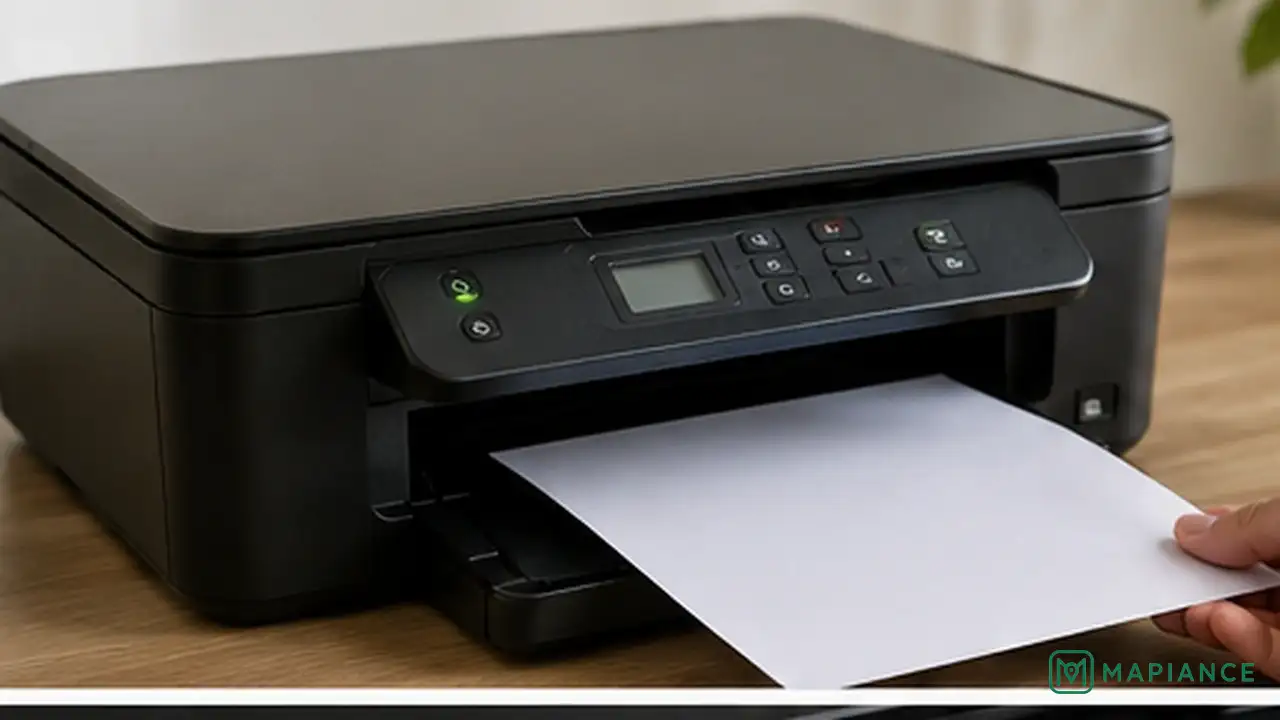
How to Fix a Printer That Prints Blank Pages
Stop blank printer pages by checking the test page, cartridges, printhead, settings, and driver in the right order.
How to Fix a TV With Sound but No Picture
Fix a TV that has sound but no picture by checking the input, power-cycling the TV, testing connected devices, adjusting picture settings, and checking for a failed backlight.