 MAPI
MAPIPopular This Week
View all →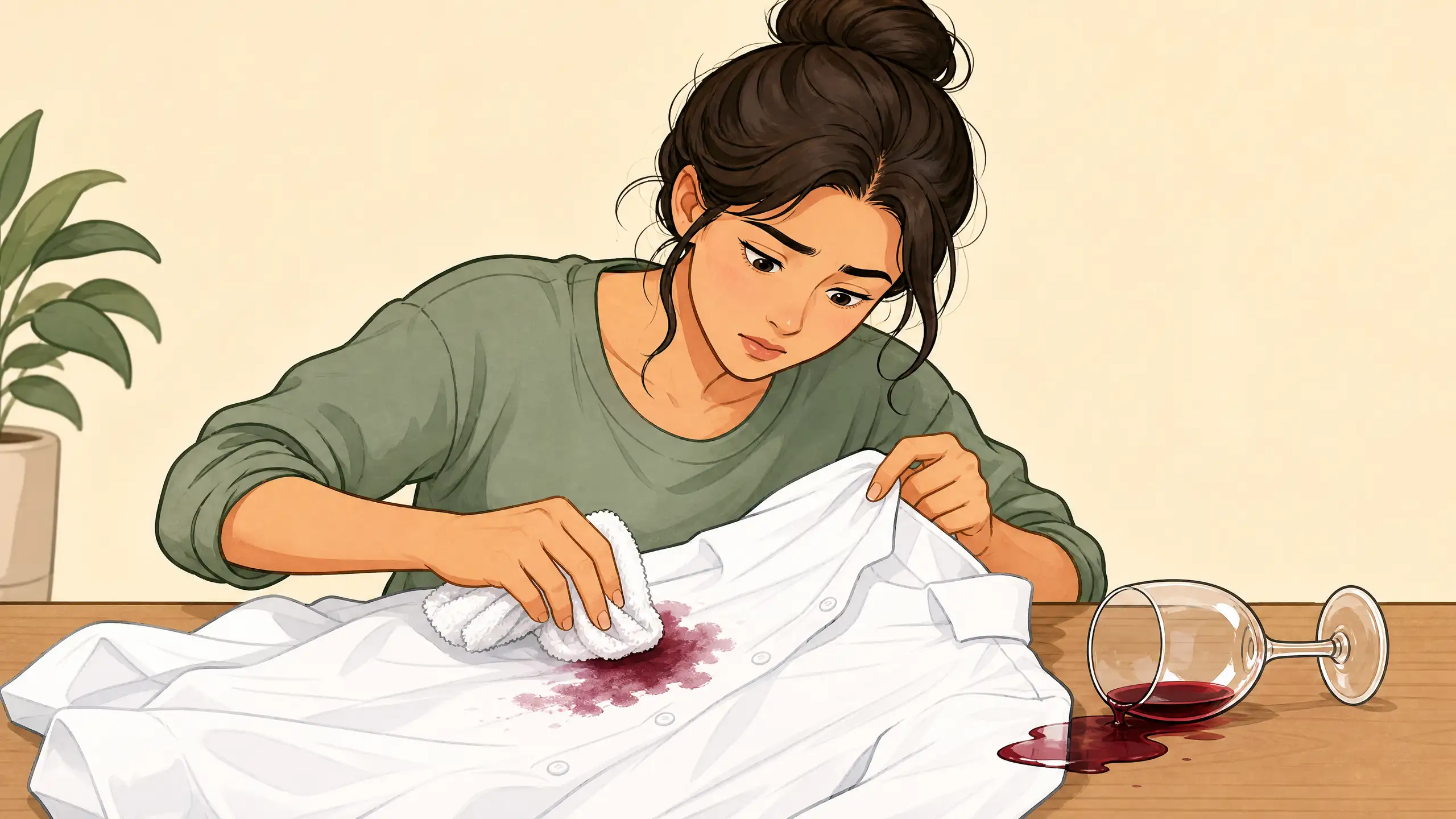
How to Remove a Red Wine Stain
Act fast with cold water and dish soap before the stain sets for good.

How to Fix a Router That Has Wi-Fi but No Internet
Fix a router that still broadcasts Wi-Fi but has no internet by checking other devices, the modem or ONT, WAN cables, ISP service, and router internet settings.
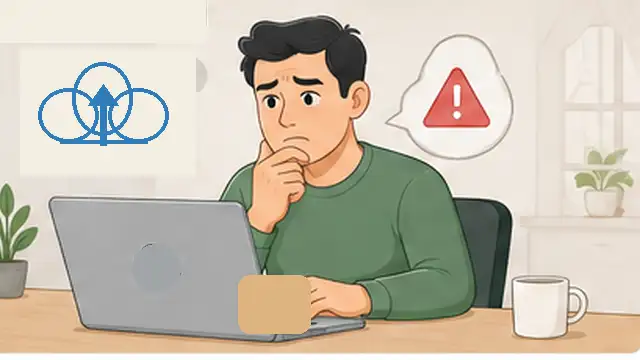
How to Fix ChatGPT File Upload Problems
Fix common ChatGPT file upload problems by checking the file type and size, upload limits, browser or app issues, network restrictions, and OpenAI service status.
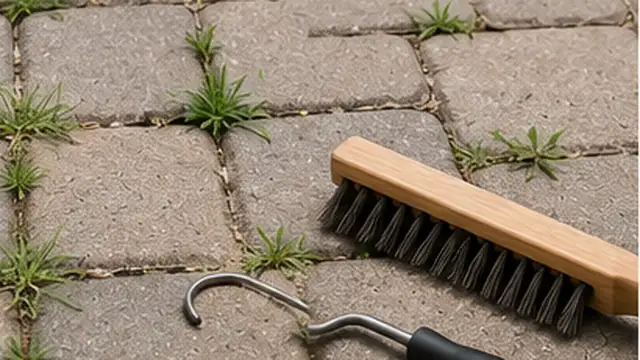
How to Stop Weeds From Growing Between Pavers
Remove weeds between pavers and reduce regrowth by clearing roots, cleaning joints, refilling gaps, and improving drainage and maintenance.
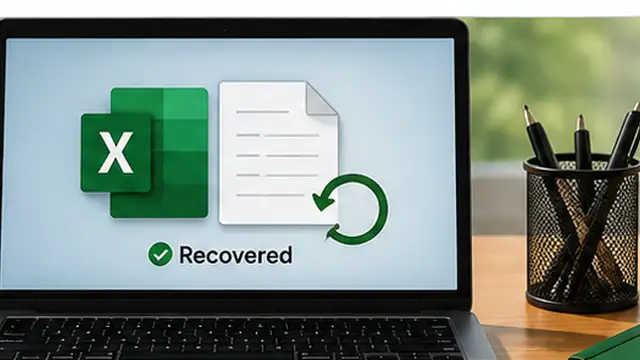
How to Recover an Unsaved Excel File
Recover an unsaved Excel workbook or missing changes by checking Document Recovery, Recover Unsaved Workbooks, and Version History.
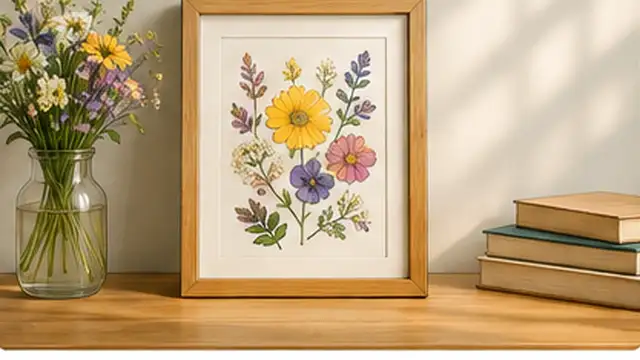
How to Make Pressed Flower Art
Turn dried pressed flowers into simple framed art by pressing them flat, arranging the design, and fixing each piece in place carefully.

How to Make the Viral 2-Ingredient Japanese Yogurt Cheesecake
Turn thick Greek yogurt and crisp cookies into the viral no-bake Japanese yogurt cheesecake with only a few minutes of preparation.
How to Use ChatGPT Voice With Files and Projects
Use ChatGPT Voice inside a Project to talk through uploaded files, ask questions about project sources, and continue hands-free work with the same context.
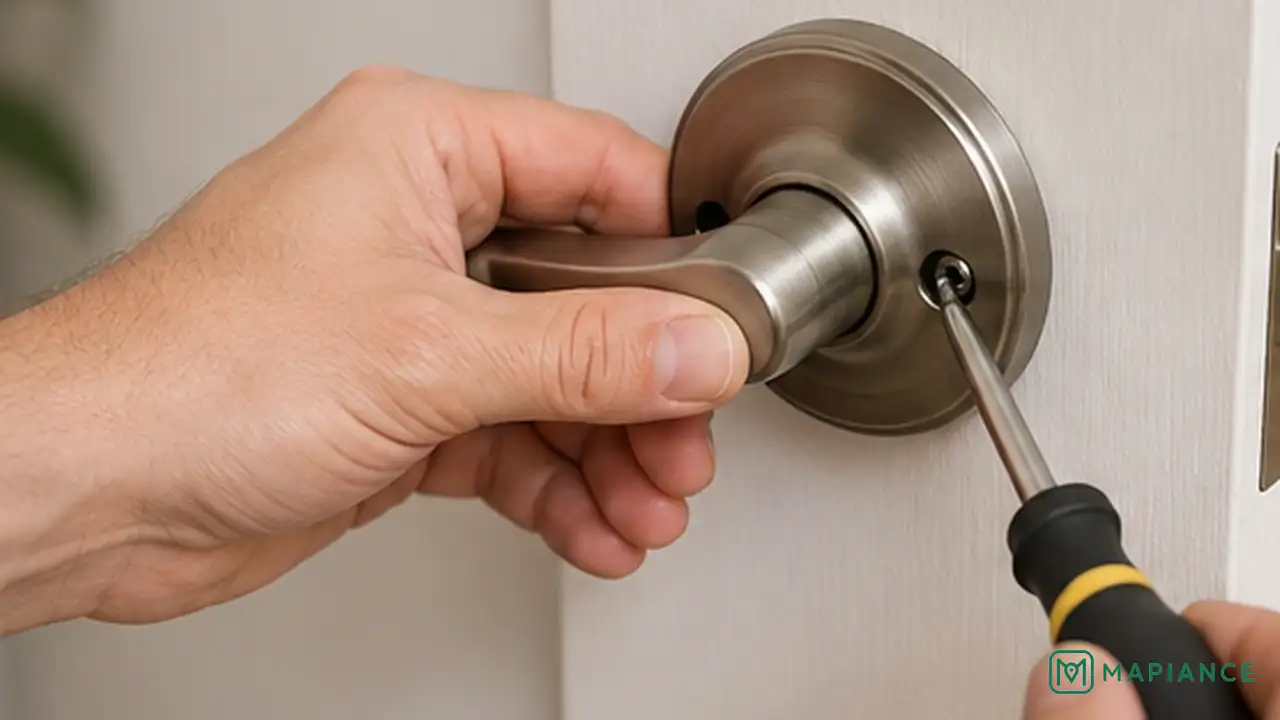
How to Fix a Loose Door Handle
Tighten a loose door handle by securing its screws, fixing the lever or knob connection, and checking worn internal parts.

How to Clean a Dishwasher
Clean food residue, grease, odors, and buildup from your dishwasher so dishes come out cleaner and the machine stays fresh.
Trending Guides
View all →
How to Fix a Loose Door Handle
Tighten a loose door handle by securing its screws, fixing the lever or knob connection, and checking worn internal parts.
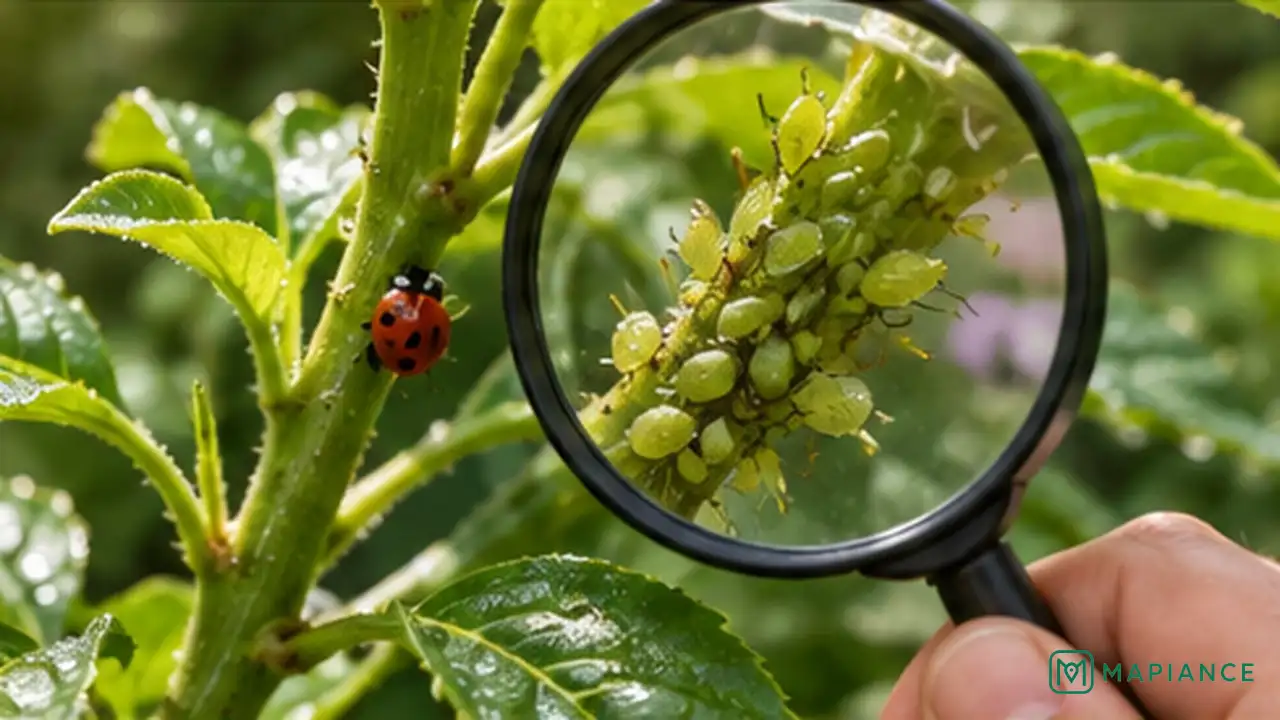
How to Get Rid of Aphids on Plants
Remove aphids from garden and houseplants with water, pruning, and plant-safe treatments while protecting helpful insects.
How to Remove a Red Wine Stain
Act fast with cold water and dish soap before the stain sets for good.
How to Fix ChatGPT “Something Went Wrong” Errors
Fix recurring ChatGPT “Something Went Wrong” errors by checking service status, browser data, extensions, VPNs, and your network.
How to Fix a Router That Has Wi-Fi but No Internet
Fix a router that still broadcasts Wi-Fi but has no internet by checking other devices, the modem or ONT, WAN cables, ISP service, and router internet settings.
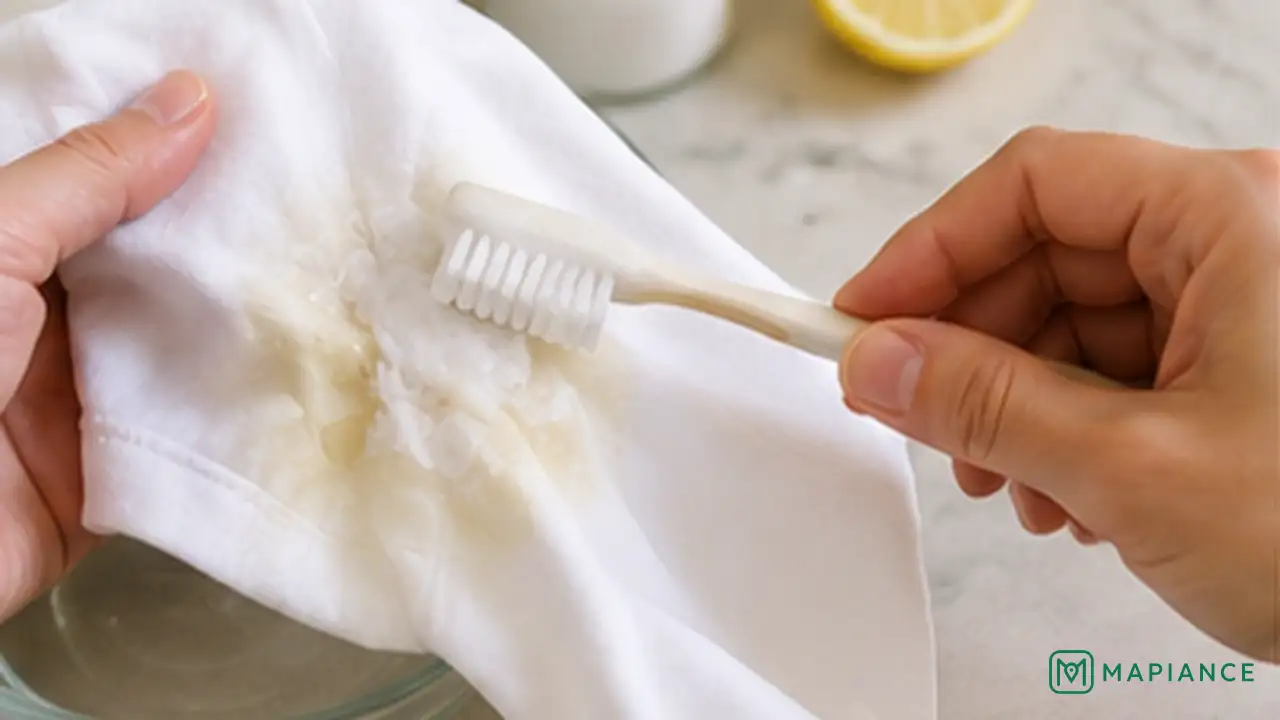
How to Remove Sweat Stains From White Shirts
Lift yellow sweat and deodorant marks from white shirts without damaging the fabric or setting the stain.
How to Fix a Cabinet Door That Won't Close
Fix a cabinet door that will not close by checking for obstructions, tightening loose hinges, and adjusting the door until it sits flush.
How to Recover an Unsaved Excel File
Recover an unsaved Excel workbook or missing changes by checking Document Recovery, Recover Unsaved Workbooks, and Version History.
How to Make the Viral 2-Ingredient Japanese Yogurt Cheesecake
Turn thick Greek yogurt and crisp cookies into the viral no-bake Japanese yogurt cheesecake with only a few minutes of preparation.
How to Remove Pet Urine Odor From Carpet
Remove pet urine odor from carpet by blotting moisture, using an enzyme cleaner, and drying the area fully without damaging the fibers.
Latest How-To Guides
View all →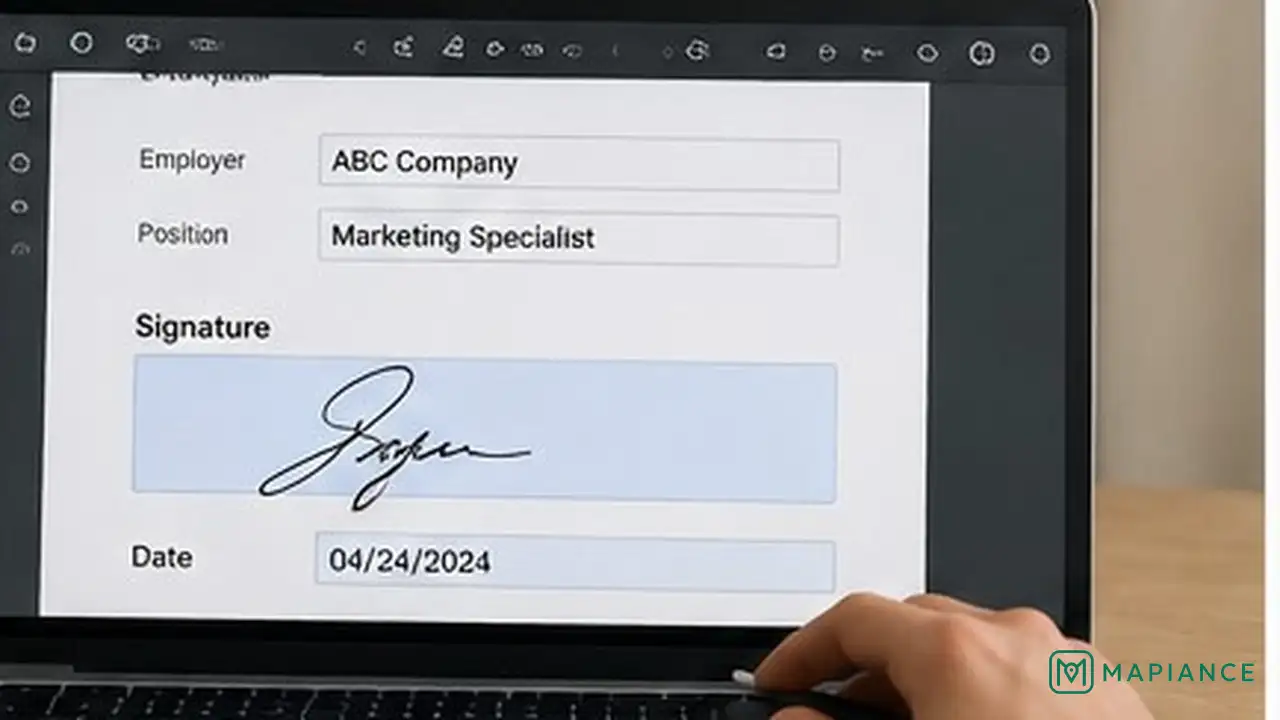
How to Fill Out and Sign a PDF Form
Fill in a PDF form, add a signature safely, and save a final copy without losing your entries.
How to Fix ChatGPT “Something Went Wrong” Errors
Fix recurring ChatGPT “Something Went Wrong” errors by checking service status, browser data, extensions, VPNs, and your network.
How to Get Rid of Aphids on Plants
Remove aphids from garden and houseplants with water, pruning, and plant-safe treatments while protecting helpful insects.
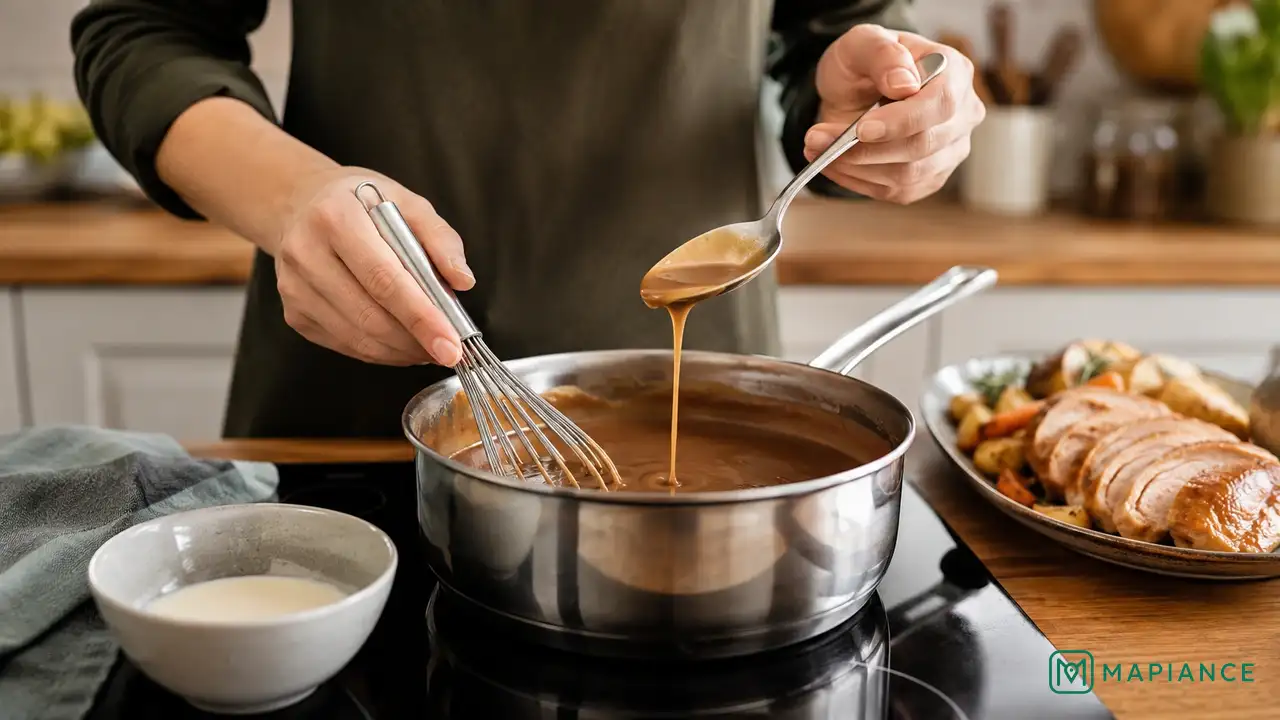
How to Fix Gravy That’s Too Thin
Thicken watery gravy without making it lumpy, overly salty, or heavy.
How to Fix WhatsApp Messages Not Sending or Receiving
Get WhatsApp messages moving again by checking the connection, app, phone settings, storage, and linked devices.
How to Remove Sweat Stains From White Shirts
Lift yellow sweat and deodorant marks from white shirts without damaging the fabric or setting the stain.
How to Fix a Loose Door Handle
Tighten a loose door handle by securing its screws, fixing the lever or knob connection, and checking worn internal parts.
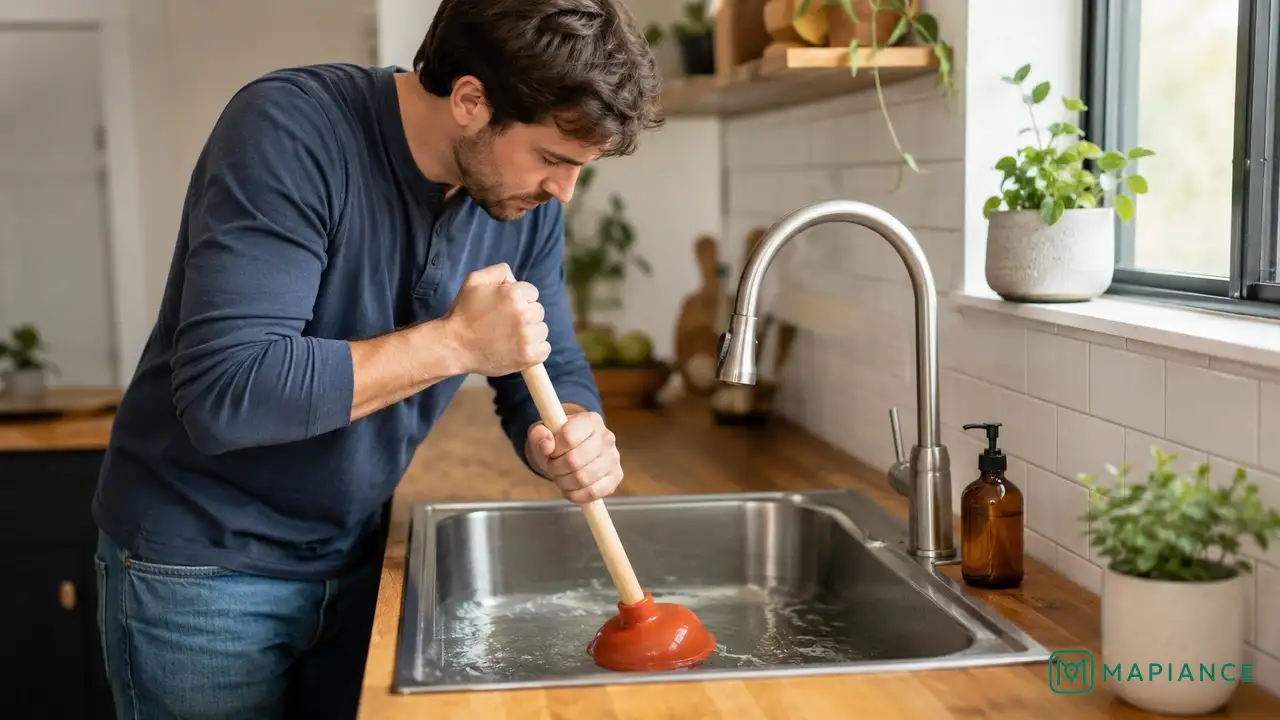
How to Unclog a Kitchen Sink
Clear a clogged kitchen sink safely by removing debris, plunging the drain, and cleaning or snaking the pipe if needed.
Explainers, Lists & Answers
What Do the OneDrive Status Icons Mean?
OneDrive icons show whether files are online-only, stored locally, always available offline, syncing, paused, shared, or affected by an error.
What Does Incognito Mode Do in Google Maps?
Google Maps Incognito mode stops Maps activity on that device from being saved to your Google Account in several ways, pauses Timeline updates, and disables some personalized features.
Why Is OneDrive Not Syncing?
OneDrive can stop syncing because the app is paused or not running, the account needs attention, storage is full, or a file has a sync error.
Does Google Maps Timeline Work When Location Sharing Is Off?
Google Maps Timeline and Location Sharing are separate features. Timeline can save your own visits and routes when Timeline and device location are enabled even if you are not sharing your location with other people.
What Is Google Maps Timeline and What Does It Save?
Google Maps Timeline is an opt-in feature that can save visits and routes on signed-in devices when Timeline and device location are enabled.
Does Google Maps Location Sharing Work When the App Is Closed?
Google Maps Location Sharing is designed to share a device’s location for the duration you choose, but whether updates continue depends on the device’s location permissions and settings.
Guides you can actually trust
Every MAPIANCE article is built to answer a clear question, checked against our editorial standards, and reviewed before publication — useful information first, without filler.