 MAPI
MAPIHow to Fix a Phone That Won’t Charge
A phone that will not charge can have a simple power problem, a worn cable, debris in the charging port, a software issue, or a failing battery or charging circuit. Start with the external parts because they are the easiest and safest to test. Avoid forcing plugs, inserting metal objects into the port, or continuing to charge a phone that shows swelling, burning, or severe overheating.
Try a known-good wall outlet, charging cable, and compatible power adapter first. Check the charging port for lint or visible damage, then restart the phone and leave it connected for at least 30 minutes if the battery is completely empty. If the phone shows a moisture or temperature warning, let it return to a safe dry temperature before charging. Stop using the phone and seek repair if the battery is swollen, the port is burned or loose, or the device becomes unusually hot.
Things you'll need
- Compatible charging cable
- Compatible power adapter
- Known-good wall outlet
- Soft dry brush for visible port debris if needed
- Wireless charger if the phone supports wireless charging
Check the outlet, cable, and adapter
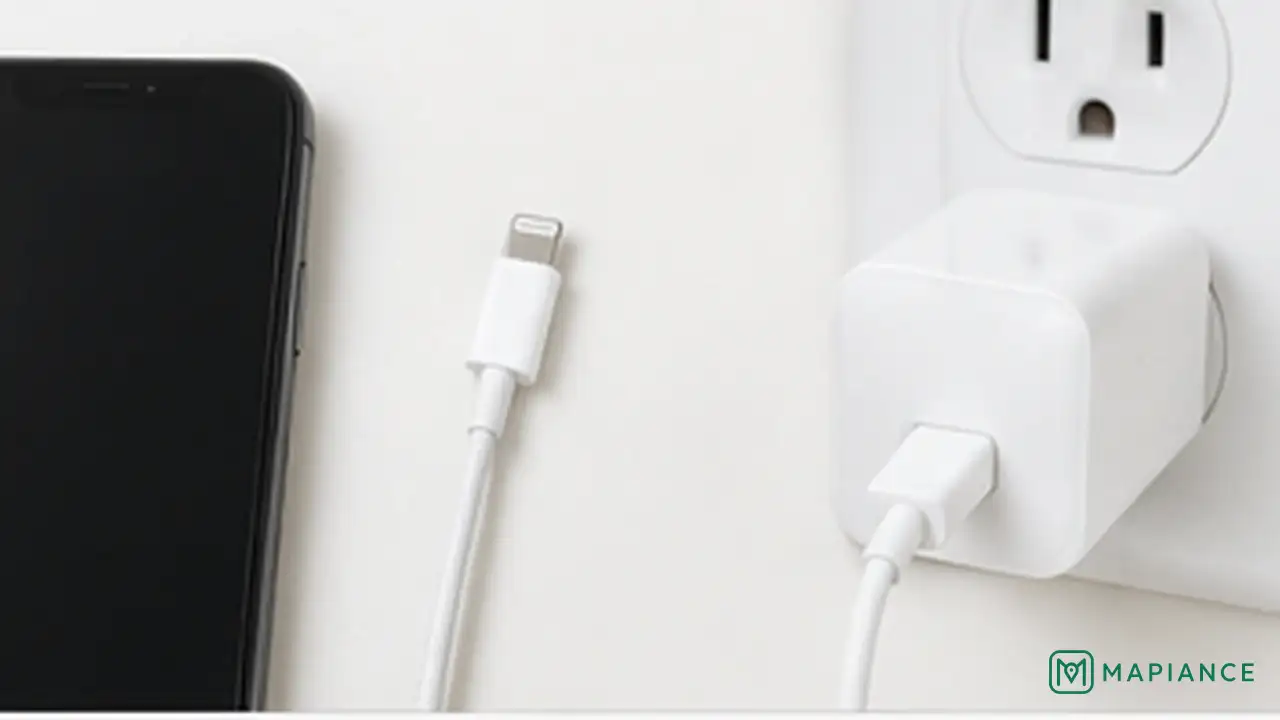
Plug the charger into a wall outlet that you know works. Inspect the cable and power adapter for bent connectors, exposed wires, scorch marks, or loose parts. If possible, test the phone with another compatible cable and adapter that are known to work. Replace damaged charging accessories instead of continuing to use them.
Inspect the charging port
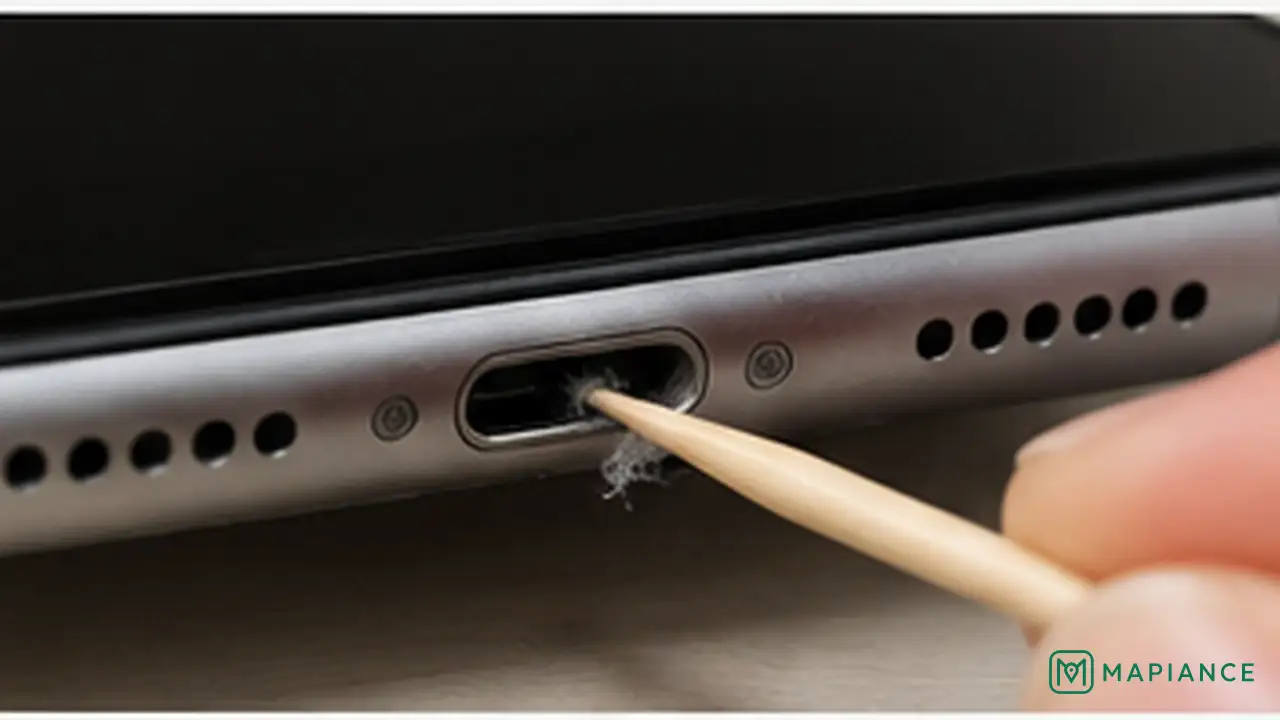
Disconnect the charger and look inside the phone's charging port under good light. Pocket lint or debris can stop the connector from seating fully. If you can see loose debris, remove it gently with a soft dry non-metal brush. Do not insert pins, needles, paper clips, or other metal objects, and do not force the connector into a damaged port.
Restart the phone and charge it again
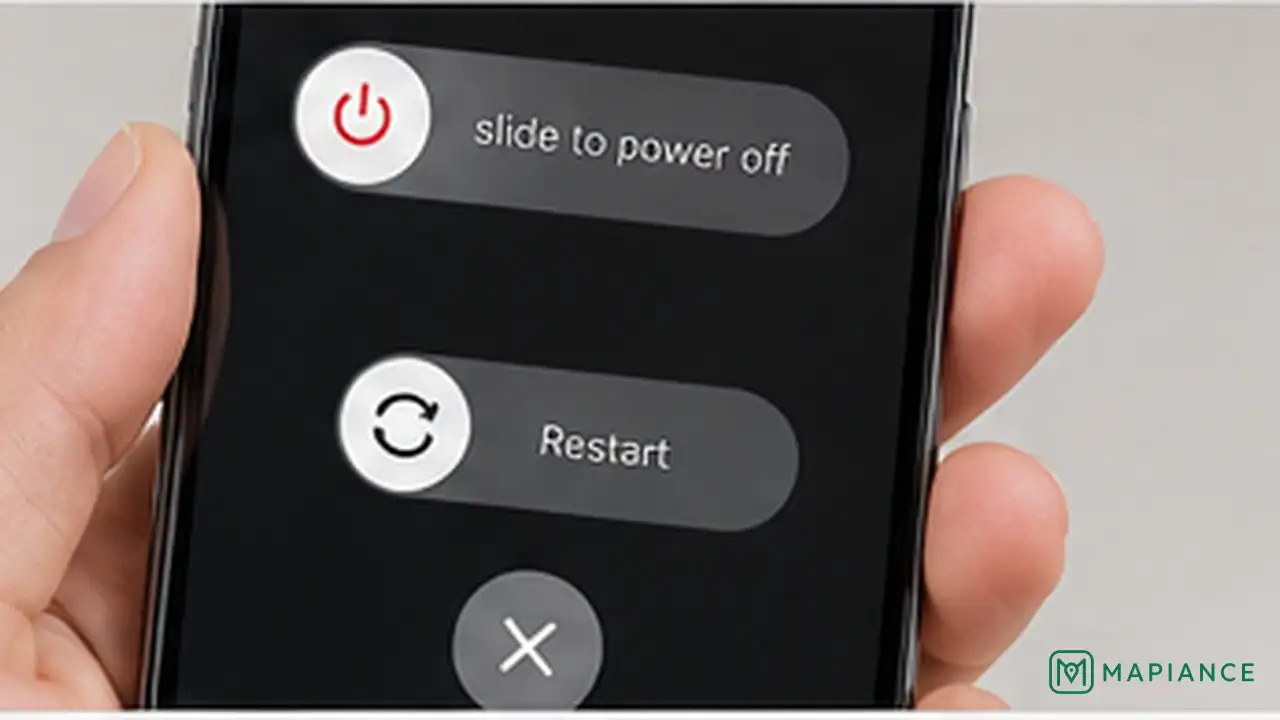
Restart the phone if it still has enough power to turn on, then reconnect a known-good charger. If the battery is completely empty, leave the phone connected for at least 30 minutes before trying to power it on. A deeply discharged battery may need time before the screen shows a charging symbol.
Check for moisture or temperature warnings
If the phone reports liquid or moisture in the connector, disconnect the cable and let the phone and port dry naturally in a well-ventilated place. Do not use heat, rice, or metal tools. If the phone is too hot or too cold, move it to a normal indoor temperature and wait before charging again. Charging may pause automatically until conditions are safe.
Try another charging method if supported
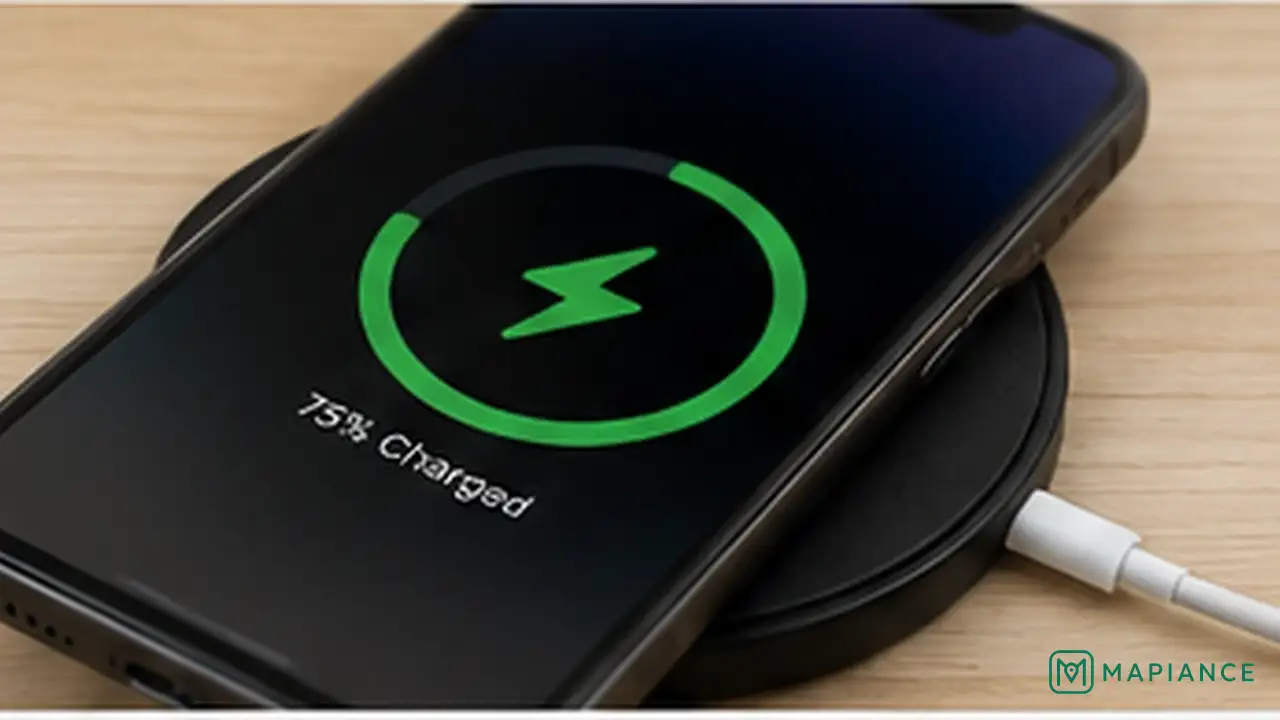
If the phone supports wireless charging, place it correctly on a compatible wireless charger after removing a thick or metal case if necessary. If wireless charging works but cable charging does not, the charging port or wired accessory may be the problem. If neither method works, continue to the battery and hardware checks.
Stop and get repair help if hardware is damaged
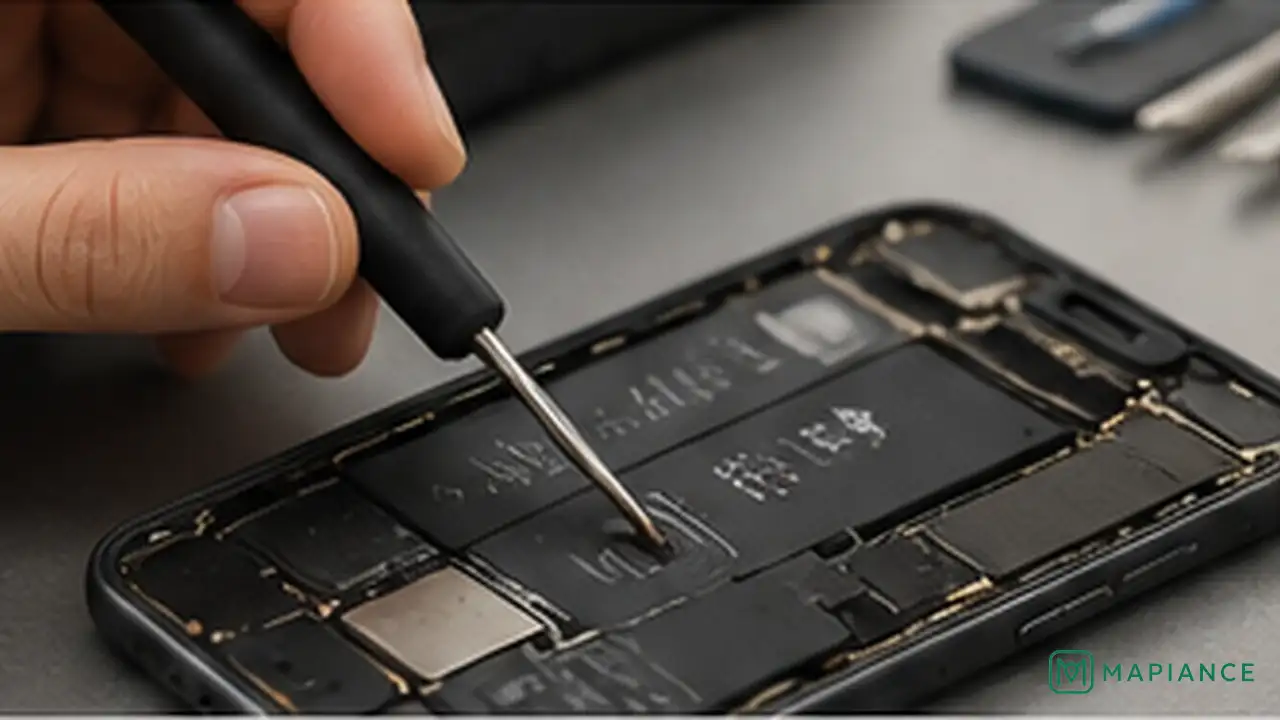
Stop charging the phone if the battery or case is swollen, the charging port is burned or melted, the connector feels unusually loose, or the device becomes extremely hot. Do not press on a swollen battery or try to open a sealed phone yourself. Back up important data if the phone still works safely, then use the manufacturer, carrier, or a qualified repair service for battery or charging-port repair.
Tips & common mistakes
Tips for best results
- Use charging accessories that meet the phone manufacturer's power and connector requirements.
- A cable can fail internally even when the outside looks normal, so testing with a known-good cable is useful.
- If the connector does not fit fully into the port, inspect for debris instead of pushing harder.
- Remove very thick, metal, or magnetic cases when testing wireless charging if the case interferes with the charger.
- Back up important data regularly so a battery or charging failure does not put your files at risk.
Common mistakes
- Cleaning the port with a pin or paper clip: Metal can damage contacts or create a short circuit.
- Forcing a loose or damaged charging connector: This can worsen port damage.
- Using heat to dry a wet charging port: Hair dryers and other heat sources can damage the phone.
- Putting a wet phone in rice: Rice does not safely repair liquid damage and particles can enter the ports.
- Continuing to charge a swollen or extremely hot phone: Battery damage can become a safety hazard.
Frequently asked questions
Why is my phone plugged in but not charging?
The outlet, cable, adapter, charging port, battery, temperature, moisture detection, or internal charging hardware may be preventing power from reaching the battery.
How long should I leave a completely dead phone charging?
Leave it connected to a known-good charger for at least 30 minutes before trying to turn it on. A deeply discharged battery may not show a charging symbol immediately.
Can lint in the charging port stop a phone from charging?
Yes. Packed lint can prevent the connector from seating fully. Inspect the port under good light and remove only loose visible debris gently with a dry non-metal tool such as a soft brush.
Why does wireless charging work but cable charging does not?
That usually points to the wired charger, cable, connector, or charging port rather than the battery itself. Test another compatible cable and adapter and inspect the port for debris or damage.
When should I stop troubleshooting and get the phone repaired?
Stop if the battery is swollen, the port is burned or melted, the phone becomes extremely hot, liquid damage is suspected, or several known-good chargers fail. Those signs can indicate hardware damage that needs professional service.
Written by Mapiance Editorial Team
The Mapiance Editorial Team researches, writes, reviews, and maintains practical guides and explainers for MAPIANCE.
Published Aug 27, 2026 · Updated Sep 8, 2026