 MAPI
MAPIHow to Fix a TV With Sound but No Picture
A TV with sound but no visible picture can have a simple input or settings problem, a bad HDMI connection, a software glitch, or a failed backlight or internal display component. Start with checks that do not require opening the TV. Modern flat-screen televisions can contain hazardous voltages even after they are unplugged, so internal electrical repair should be left to a qualified technician.
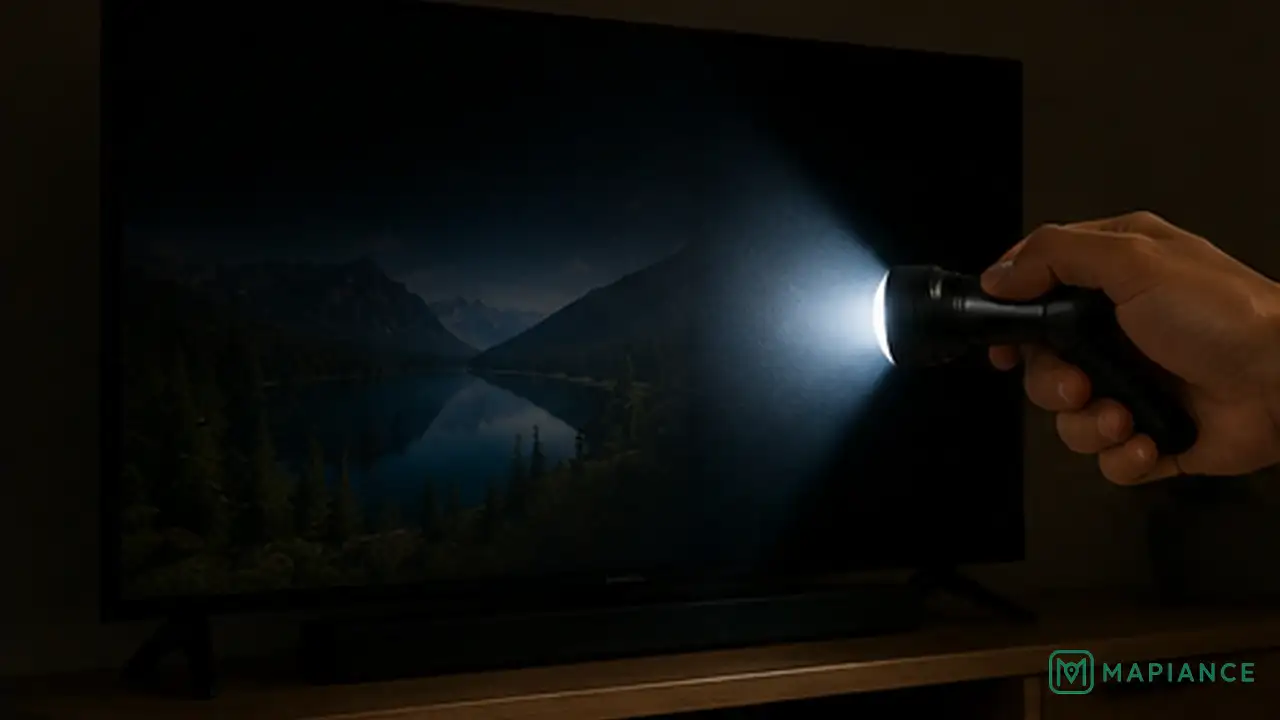
Start by confirming the TV is on the correct input and disconnecting external devices. Unplug the TV for about one minute, then reconnect it and turn it on. If sound returns but the screen stays black, shine a flashlight close to the screen in a dark room. A faint moving image can point to a backlight problem. Stop troubleshooting and arrange repair if the TV shows burning smells, sparks, liquid damage, or you would need to open the cabinet.
Things you'll need
- TV remote control
- Known-good HDMI cable if needed
- Flashlight
- Access to a wall outlet
- A second source device if available
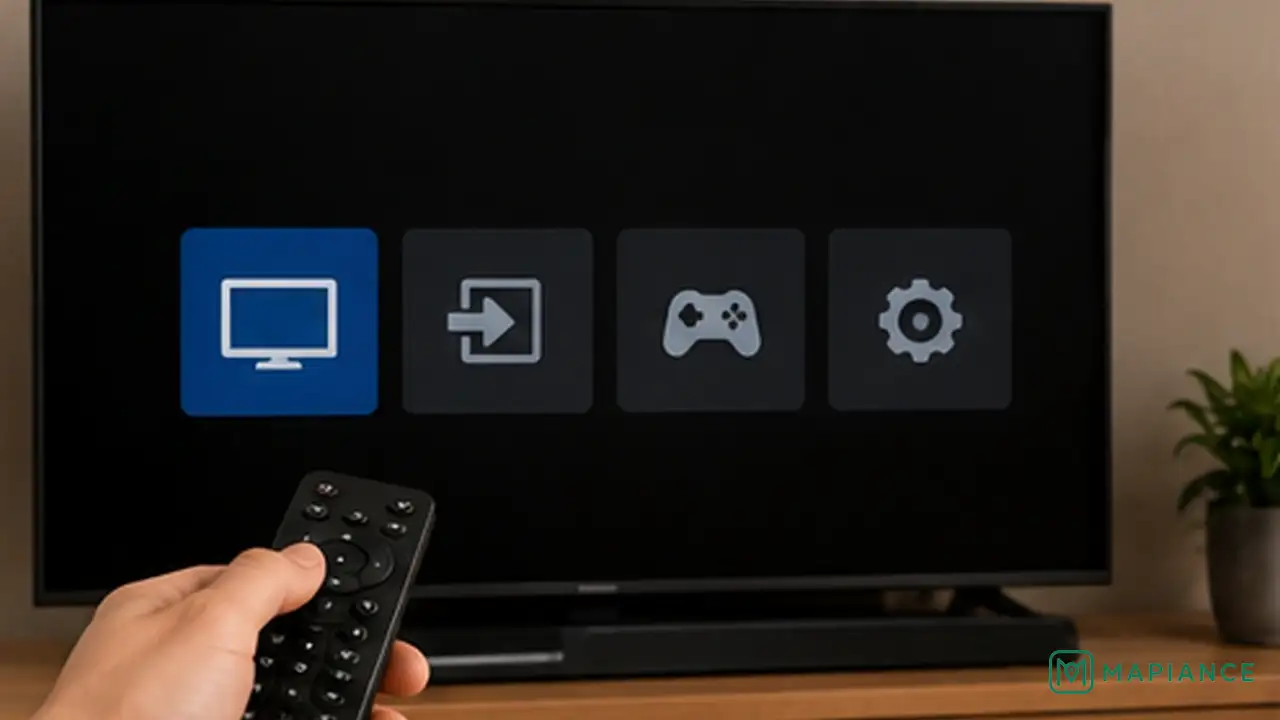
Check the input and the TV menu
Press the Home, Menu, or Settings button on the TV remote. If the TV menu appears, the screen itself is working and the problem is probably with the selected input or connected device. Choose the correct HDMI, antenna, or streaming input and make sure the source device is turned on.
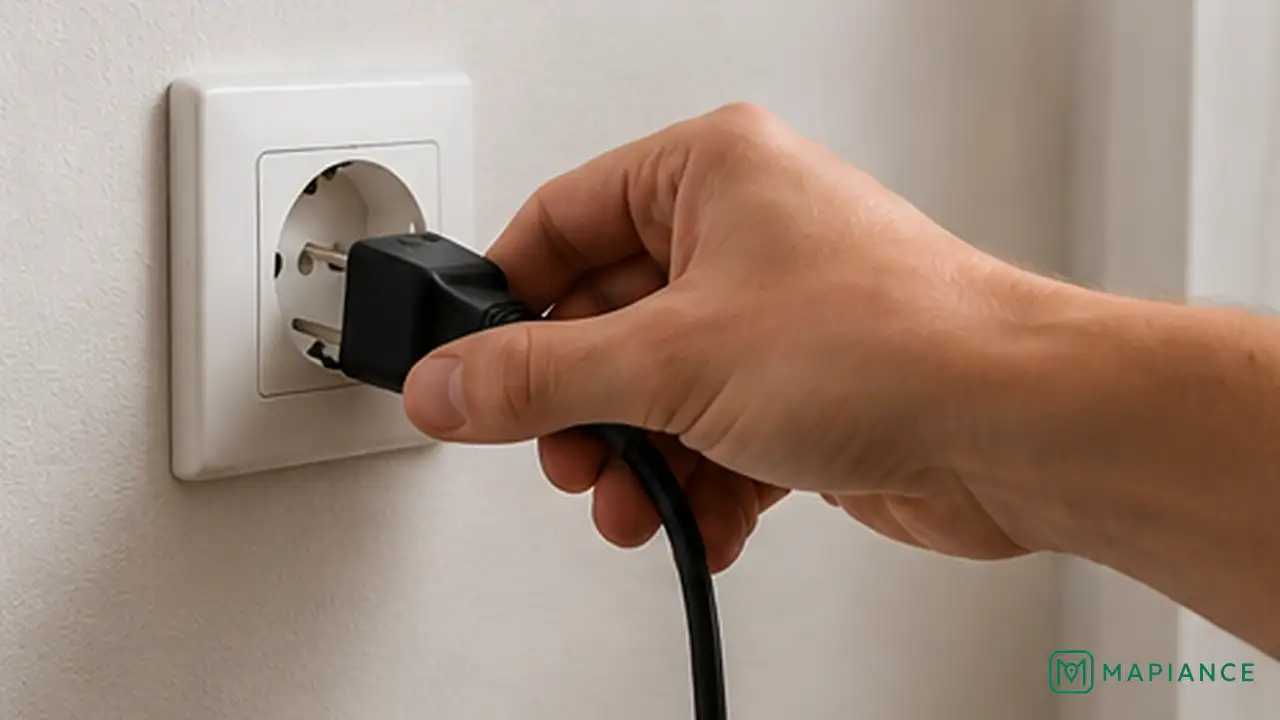
Power-cycle the TV
Turn the TV off, unplug it from the wall outlet, and leave it disconnected for about one minute. While it is unplugged, press and hold the physical power button on the TV for about 10 seconds if the model has one. Plug the TV directly into a known-good wall outlet and turn it on again.
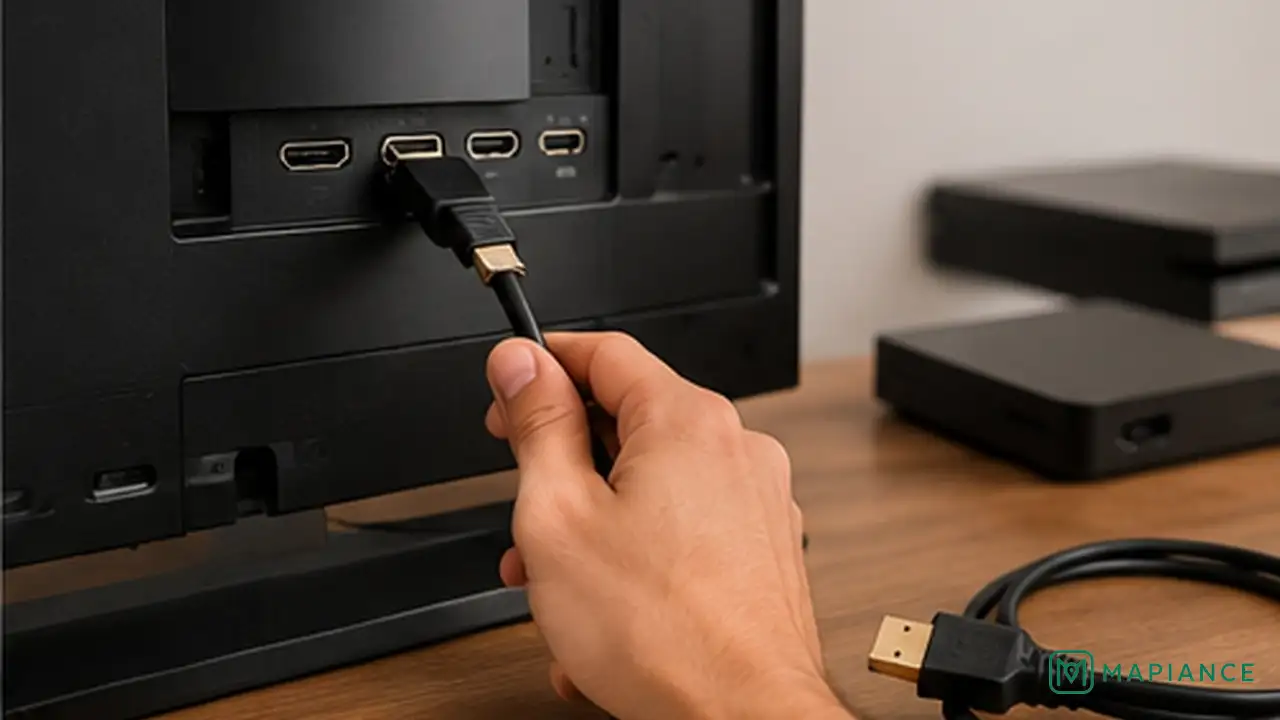
Disconnect and test external devices
Remove HDMI devices, game consoles, streaming boxes, receivers, and other sources from the TV. Turn the TV on with nothing connected and check its menu again. If the picture returns, reconnect devices one at a time. Try a different HDMI port and a known-good cable with the device that causes the problem.
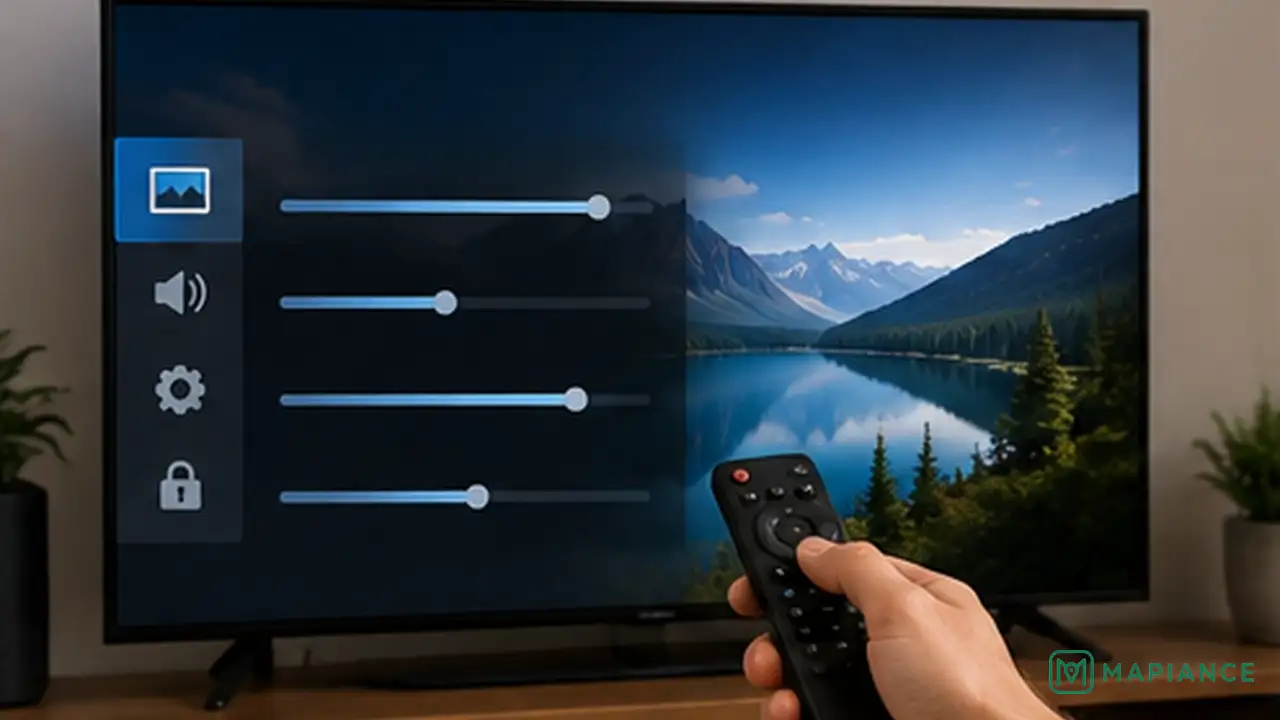
Check picture and energy-saving settings
If the menu is visible but normal video looks extremely dark, increase the backlight or brightness setting and turn off any extreme energy-saving or screen-off mode. Also check whether the TV has a Picture Off or Audio Only feature that may have been enabled accidentally.
Use a flashlight to test for a backlight failure
Darken the room and play a source that should show a moving picture. Hold a flashlight close to the screen and shine it across the panel at an angle. If you can see a faint image moving behind the dark screen, the TV may have a failed LED backlight or backlight power circuit. Do not open the TV to confirm this yourself.
Arrange repair if the screen stays black
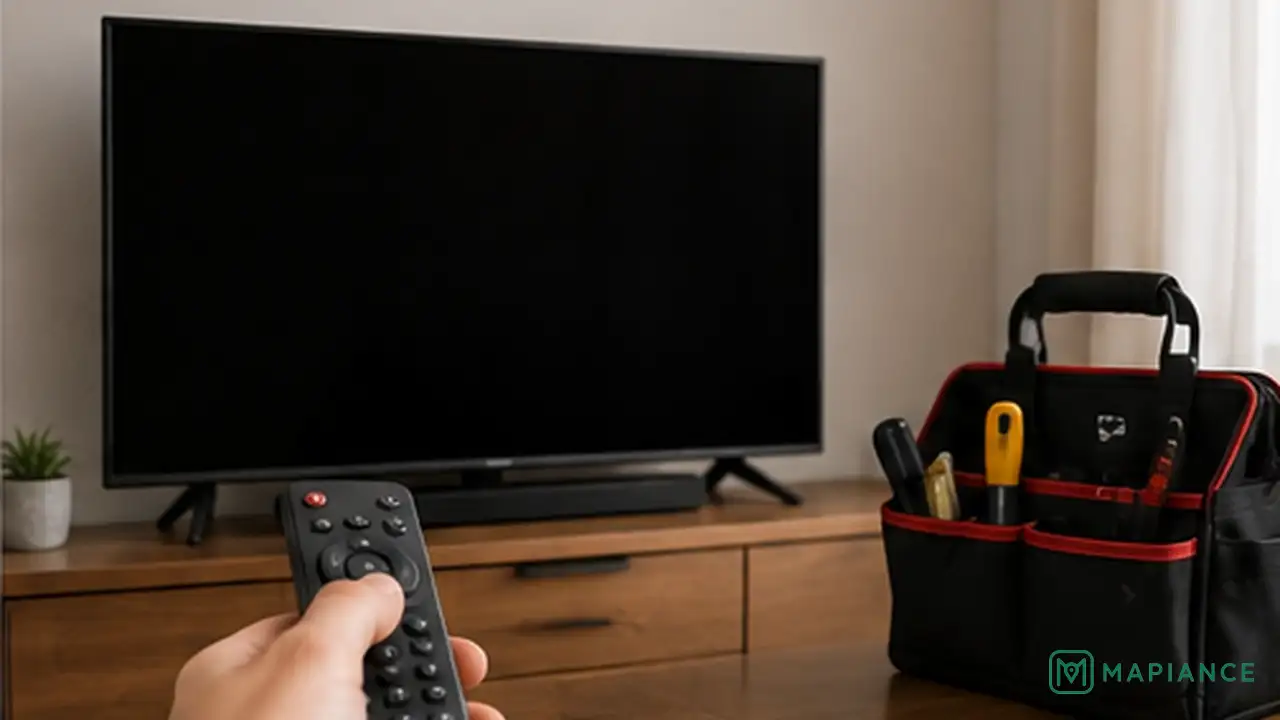
If the TV menu never appears, the flashlight test shows a faint image, or the screen remains black after cables and sources are ruled out, the problem is likely internal. Disconnect the TV and contact the manufacturer or a qualified repair technician. Internal power supplies and display circuits can retain dangerous voltage and should not be serviced without proper training.
Tips & common mistakes
Tips for best results
- Test the TV's own menu or home screen before blaming an HDMI device.
- Disconnect external devices one at a time so you can identify whether one source is causing the black screen.
- Use a known-good HDMI cable and a different HDMI port when testing external equipment.
- If the picture appears briefly and then disappears, note that behavior because it can help a repair technician diagnose the problem.
- Keep the TV model number handy before contacting support or arranging service.
Common mistakes
- Opening the TV cabinet: Flat-screen TVs can contain hazardous voltages even when unplugged.
- Assuming a black screen always means the panel is dead: Inputs, cables, settings, or the backlight can also cause the symptom.
- Replacing several cables or devices at once: Change one thing at a time so you know what fixed the problem.
- Continuing to use a TV that smells burned or becomes unusually hot: Disconnect it and arrange professional inspection.
- Pressing hard on the screen while testing: LCD and OLED panels can be damaged by pressure.
Frequently asked questions
Why does my TV have sound but a black screen?
Possible causes include the wrong input, a failed source device or HDMI cable, a picture setting problem, a software glitch, a failed backlight, or another internal display fault.
How can I tell if the TV backlight has failed?
In a dark room, shine a flashlight close to the screen while the TV is playing something. If you can see a very faint moving image, the LCD panel may still be producing a picture while the backlight is not illuminating it.
Can an HDMI cable cause sound with no picture?
Yes. A damaged cable, loose connection, incompatible signal, or problem with one HDMI port can sometimes produce audio without a usable picture.
Should I factory reset a TV with no picture?
Only after simpler checks and only if you can still see the menu well enough to do it safely. A reset will not fix a failed backlight or damaged display hardware.
When should I stop troubleshooting and call a repair technician?
Stop if the TV smells burned, sparks, has liquid damage, stays black after external checks, or appears to have an internal backlight or display fault that would require opening the cabinet.
Written by Mapiance Editorial Team
The Mapiance Editorial Team researches, writes, reviews, and maintains practical guides and explainers for MAPIANCE.
Published Aug 28, 2026 · Updated Sep 11, 2026