 MAPI
MAPIHow to Fix Bluetooth Headphones When Only One Side Works
When Bluetooth headphones play on only one side, the problem can come from the phone or computer, the Bluetooth connection, a low battery, a lost connection between two wireless earbuds, or a hardware fault. Start with checks that do not erase settings, then move to re-pairing and a model-specific reset. If the same side stays silent on more than one device after a reset, the headphones may need cleaning, repair, or replacement.
First test the headphones with another song, app, and device, then make sure the left-right audio balance is centered. Recharge the headphones, forget and pair them again, and use the manufacturer's reset procedure if one side is still silent.
Things you'll need
- Phone, tablet, or computer paired with the headphones
- Charging cable or charging case
- Manufacturer's app or support page if your model uses one
- Soft dry cloth or cotton swab for accessible charging contacts
Test another track, app, and device
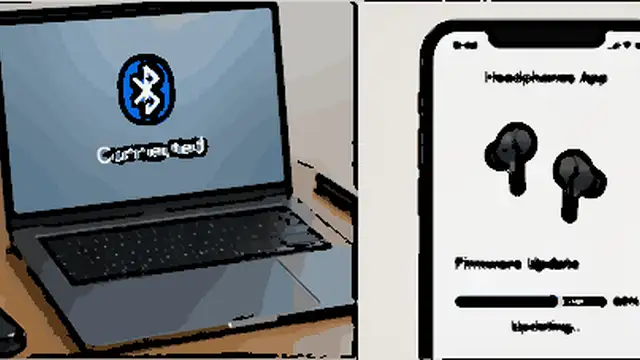
Play a different song or video first because some recordings use the left and right channels differently. Then try another app. If one side is still silent, pair the headphones with a second phone, tablet, or computer. If both sides work on the second device, the headphones are probably fine and the problem is in the original device or app.
Center the left-right audio balance
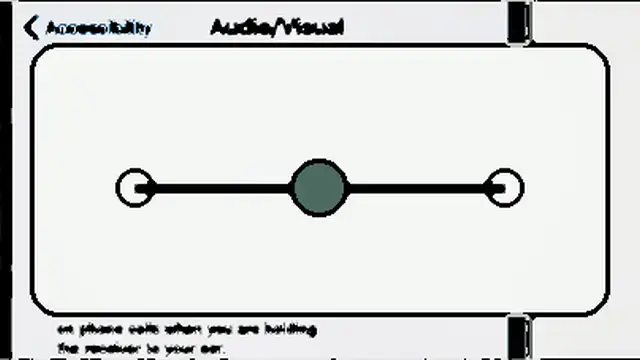
Open the audio or accessibility settings on the connected device and check the left-right balance. Put the slider in the center. On iPhone, the balance control is under Accessibility > Audio & Visual. Android devices also provide audio adjustment controls, though the exact menu can vary by brand. If available, turn on Mono Audio briefly for testing so both stereo channels are sent to both sides.
Recharge both sides fully
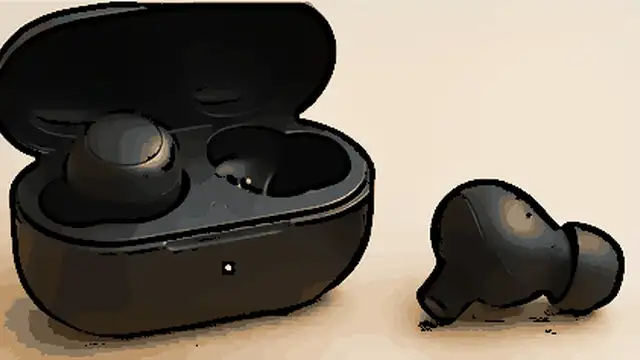
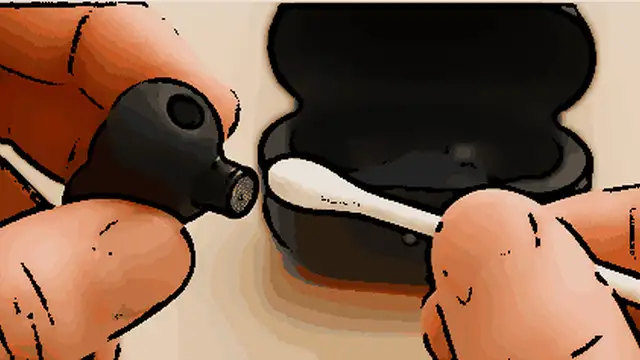
Charge the headphones before continuing. If you use true wireless earbuds, put both earbuds into the charging case and confirm that each one is seated correctly on its charging contacts. A single earbud can remain silent if it did not charge. Wipe accessible charging contacts gently with a dry cloth or cotton swab if they look dirty, then charge the pair again.
Forget the headphones and pair them again
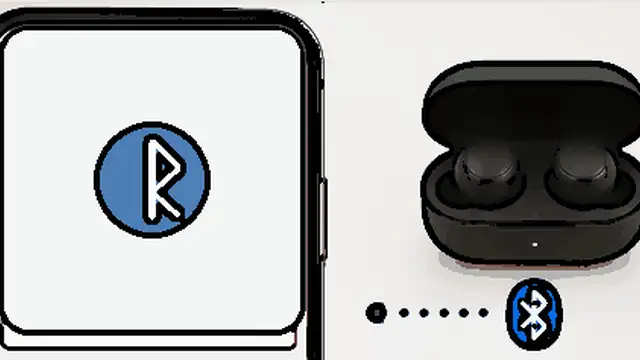
Restart the phone or computer and the headphones. Then open Bluetooth settings, remove or forget the headphones, and pair them again as if they were new. For true wireless earbuds, keep both earbuds together during pairing so the pair can reconnect correctly. Test audio again before changing more settings.
Reset the headphones using the correct procedure
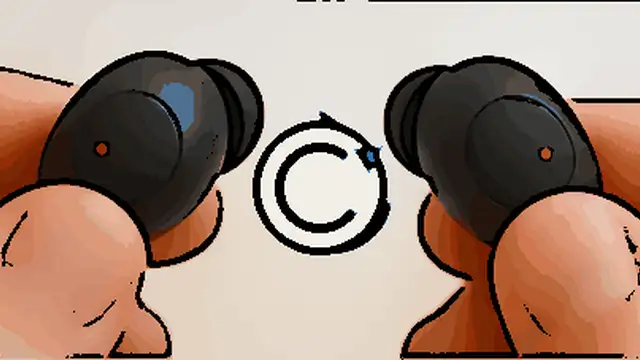
If one side is still silent, use the reset procedure for your exact headphone model. Button combinations and reset times differ between brands, so follow the manufacturer's manual or support page instead of guessing. Some products have both a normal reset and a factory initialization; a factory reset may erase saved Bluetooth pairings, so pair the headphones again afterward. Install any available firmware update through the manufacturer's app before testing again.
Check for a physical problem
Test the headphones one more time on a second device after the reset. For earbuds, inspect the speaker mesh for visible wax or debris and clean it only as the manufacturer recommends. If your headphones support a detachable audio cable, test that connection too. When the same side remains completely silent on several devices, the speaker, internal wiring, battery, or electronics may have failed and professional repair or replacement is usually the next step.
Tips & common mistakes
Tips for best results
- Test with several types of audio before troubleshooting the headphones; a single track or app can make one channel seem missing.
- If the problem started after connecting to a new phone or computer, re-pairing is usually worth trying before a factory reset.
- For true wireless earbuds, clean charging contacts only when they are dry and accessible, and do not scrape them with metal tools.
- Use the manufacturer's companion app when available because it may show separate battery levels or offer firmware updates.
- Write down any custom settings before a factory initialization because some models erase saved preferences and pairings.
Common mistakes
- Leaving the balance slider pushed to one side: This can make working headphones seem broken.
- Resetting with instructions for a different model: Button combinations vary and may trigger a different function.
- Assuming both earbuds charged because the case has power: One earbud may not be touching its charging pins correctly.
- Testing with only one song or app: The problem may come from the recording, app, or audio routing instead of the headphones.
- Opening the earcup or earbud immediately: Internal repair can damage small parts and may affect warranty coverage; finish the non-invasive checks first.
Frequently asked questions
Why do my Bluetooth headphones work on only one side?
Common causes include an off-center audio balance, a Bluetooth pairing problem, one uncharged earbud, a lost connection between two earbuds, blocked speaker mesh, or an internal hardware fault.
Can audio balance make one headphone side completely silent?
Yes. If the left-right balance is moved fully to one side, the other channel can become silent or extremely quiet. Center the balance before doing more troubleshooting.
Why is one wireless earbud not turning on?
It may not have charged. Reseat both earbuds in the case, check that the charging contacts are clean and making contact, then give the case and earbuds enough time to charge.
Should I reset my Bluetooth headphones?
Reset them after simpler checks such as charging, testing another device, checking balance, and re-pairing. Use the instructions for your exact model because reset procedures are not universal.
How do I know if one headphone speaker is actually broken?
If the same side stays silent with different apps and devices after charging, re-pairing, and the correct reset, a hardware problem becomes more likely. Repair or replacement may then be necessary.
Written by Mapiance Editorial Team
The Mapiance Editorial Team researches, writes, reviews, and maintains practical guides and explainers for MAPIANCE.
Published Aug 24, 2026 · Updated Sep 15, 2026