MAPIANCE
How-To Categories Popular Latest
  1. Home
  2. Tag: display troubleshooting

display troubleshooting

Guides tagged "display troubleshooting".

2 guides

Devices & Electronics

Why Does My Monitor Keep Flickering?

A flickering monitor can be caused by the computer, cable, graphics settings, driver, an incompatible application, or the monitor itself. The fastest diagnosis is to determine whether the flicker is present in the monitor's own self-test and whether Windows elements such as Task Manager flicker too.
4 min read

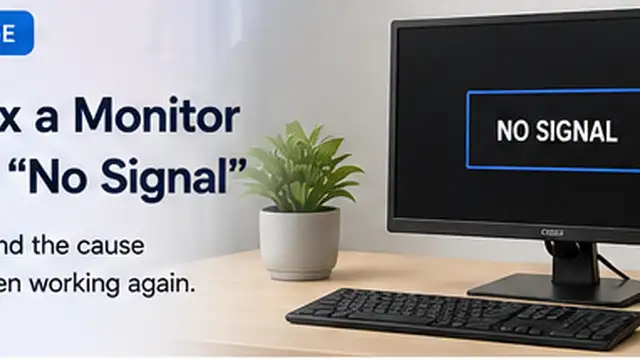
How to Fix a Monitor That Says “No Signal”
Devices & Electronics

How to Fix a Monitor That Says “No Signal”

Restore a monitor that says “No Signal” by checking the selected input, video cable, computer output, and display detection in the right order.

7 min read

Popular this week

01 How to Remove a Red Wine Stain
02 How to Fix a Router That Has Wi-Fi but No Internet
03 How to Fix ChatGPT File Upload Problems
04 How to Stop Weeds From Growing Between Pavers
MAPIANCE

Learn. Solve. Do. Clear, practical guides and explainers for everyday life.

Explore

  • All guides
  • Categories
  • Popular
  • Latest

Categories

  • Cleaning & Maintenance
  • Crafts & Hobbies
  • Devices & Electronics
  • Garden & Outdoor
  • Home & DIY
  • Kitchen & Cooking
  • Office & Productivity
  • Technology & Apps
  • Automotive & Car Care

Company

  • About
  • Contact
  • Editorial Policy
  • Editorial Team
  • Affiliate Disclosure
  • Privacy Policy
  • Terms of Use
© 2026 MAPIANCE. All rights reserved.