 MAPI
MAPIprinter troubleshooting
Guides tagged "printer troubleshooting".
6 guides
Why Does My PDF Print Incorrectly?
A PDF can look normal on screen but print incorrectly because of corrupt PDF content, printer drivers, printer-specific rendering, browser-extension behavior, fonts, or complex page objects.
Why Does My Printer Say Paper Jam When There Is No Paper?
A printer can report a paper jam even when no sheet is visibly stuck. Small scraps, feed problems, dirty rollers, or a persistent jam state can trigger a false paper-jam warning.
Why Is My Printer Printing So Slowly?
Slow printing can come from high quality settings, network delay, outdated software, complex documents, quiet modes, paper choices, or printer hardware limitations.
Why Is My Printer Printing Faded or Streaked Pages?
Faded or streaked pages can come from low ink or toner, unsuitable paper, print settings, driver problems, dirty or misaligned print components, or other printer hardware issues.
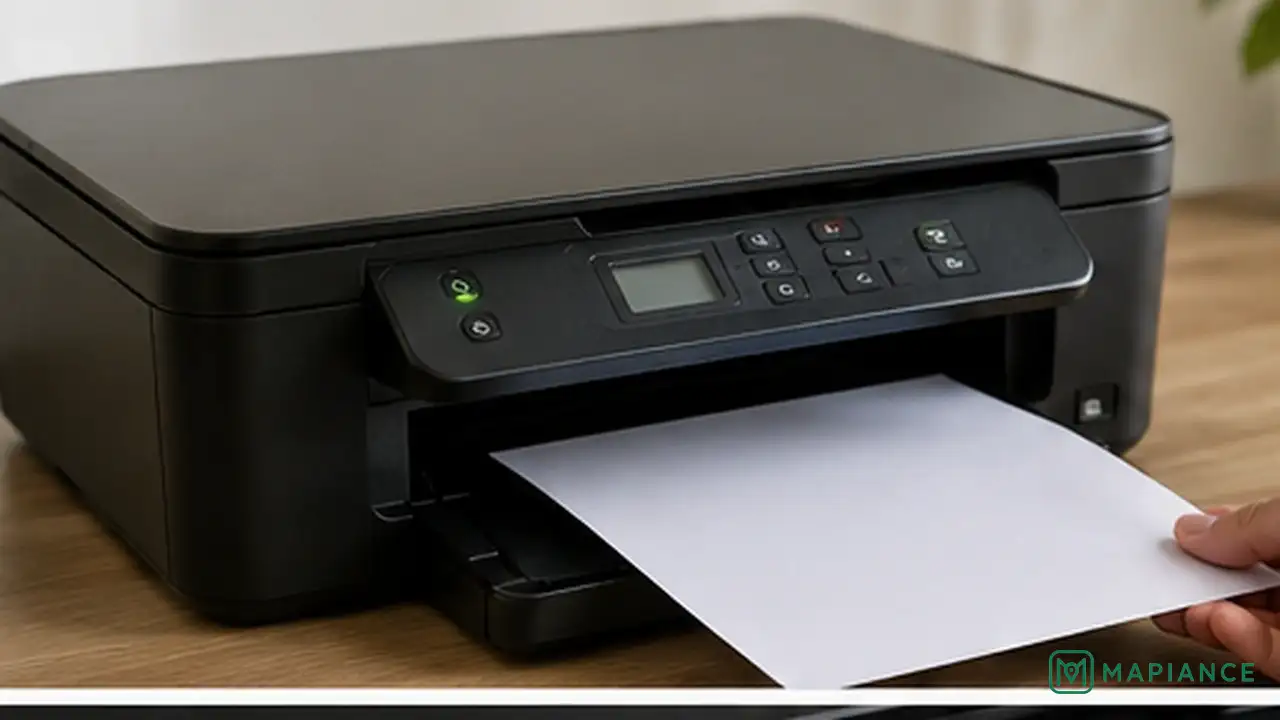
How to Fix a Printer That Prints Blank Pages
Stop blank printer pages by checking the test page, cartridges, printhead, settings, and driver in the right order.
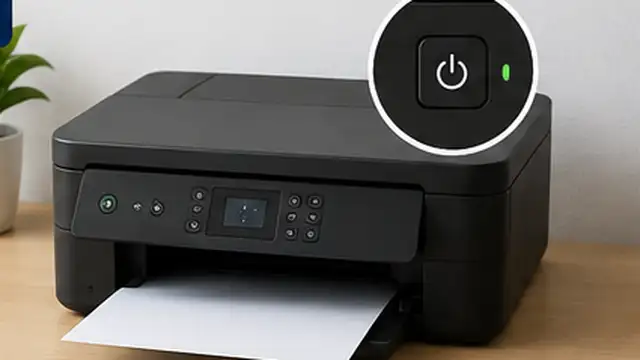
How to Fix a Printer That Keeps Going Offline
Bring an offline printer back online by checking its connection, clearing stuck jobs, restarting devices, and updating the printer setup.